

-10%
Autel G-BOX Tool for Benz All Keys Lost Work with Autel MaxiIM IM608
$ 98.42
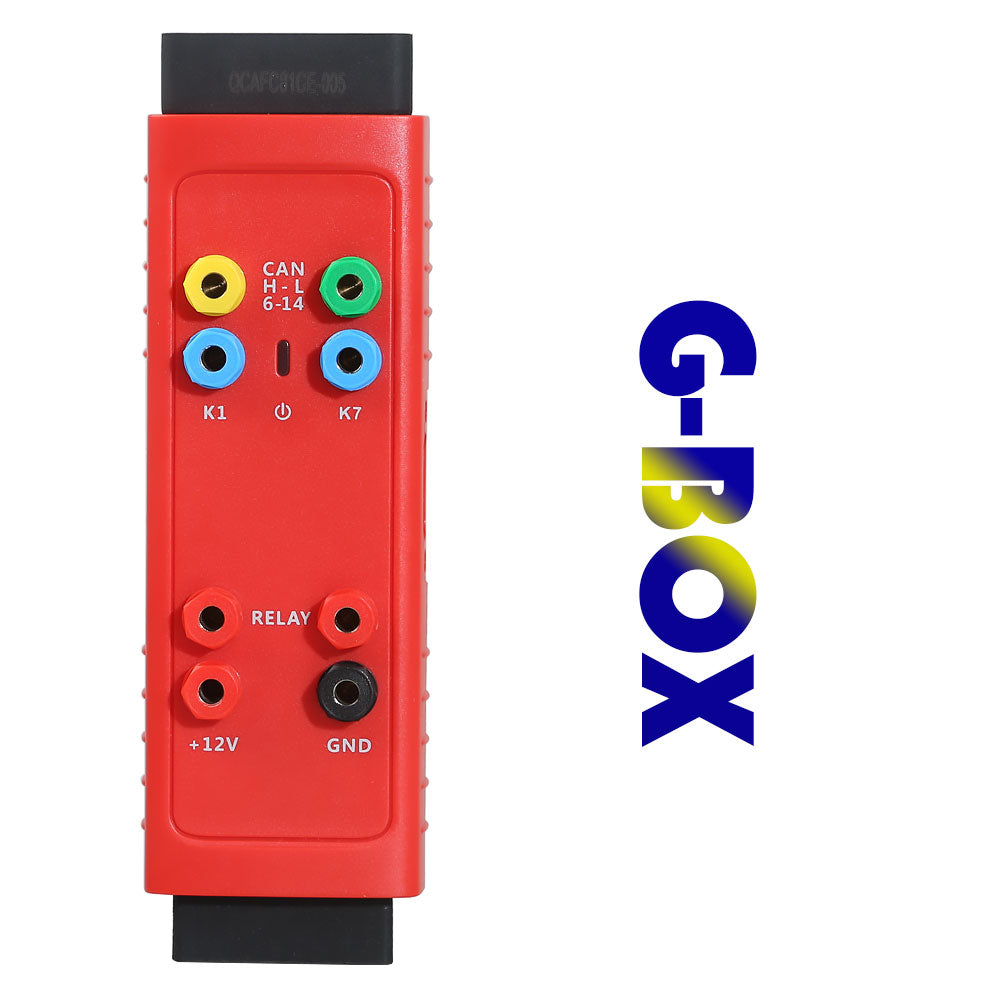
Adapter Autel G BOX for Mercedez-Benz & BM-W vehicles Supports Benz All Keys Lost for Autel IM508 IM608, can read W204 ECU data & W207 EIS What is Autel G-BOX used for? 1. Work with the Autel MaxiIM IM6082. AUTEL G-BOX tool is accessory for Mercedes All-Key-Lost Notice: This AUTEL G-BOX Adapter has stop to produce and updated to the new version: Autel G-BOX2 Tool for Mercedes Benz All Key Lost Description: The Autel G-Box is designed to be used on Mercedez-Benz vehicles with DAS3 CAN EIS/EZS in AKL.It helps to reduce the time for reading the ECU data from W204 and W207 EISs by over 85%. Autel G-Box Adaprer main character: 1. Supports Mercedes Benz All Keys Lost, faster calculate password2. Supports IM608 or IM508 with XP4003. Used for Faster Mercedes ECU data and EIS password calculation4. Mercedes DAS3 can EIS/EZS all keys lost5. Reduces reading time of W204 ECU data & W207 EIS by over 85%6. No need to remove and reinsert the key for W221 & W164 after 2009 models7. Can read and write BM-W DME/DDE ISN in boot mode 8. Compatible with Auro IM600 & Auro IM100 with XP400 How to do via OBD When All Keys of Mercedes-Benz Vehicle Are Lost This method is suitable for Mercedes-Benz W204, W207, W216 and W164 EISs after the year 2009. How to connect step by step: 1). Connect the G-Box to vehicle’ s OBDII2). Remove the fuse of vehicle EIS, Connect the Relay ports to the fuse using the supplied fuse cable3). When the vehicle has an ELV, connect the K7 port and ELV plug using the supplied K-line cable4). Connect the G-Box to the Autel Diagnostic Tablet (MaxiIM IM608, IM508) How to do on Bench When All Keys of Mercedes-Benz Vehicle are Lost This Method is suitable for all Mercedes-Benz EISs that are already supported by Autel Diagnostic Tablet How to connect step by step: 1. Plug the G-Box to the Mercedes-Benz EIS using the packed DB15 Cable2. Plug to the DC port of G-Box using a power adapter (DV 12V)3. Plug the G-Box to the Autel Diagnostic Tablet (MaxiIM IM608, IM508) Autel G-Box Specifications: DC Port: Provide 12 DV power supplyCAN-H Port: Universal CAN bus interface,connects with OBDII PIN6k1 Port: Universal k-line interface,connects with OBDII PIN1Status Indicator: Indicates the current operating statusRelay Ports: Connect with dedicated relay cables 12v Power Port: Universal power input/output portOBDII Connector: Connects to the vehicle’s OBDII directly or via a dedicated extension cableOBDII Female Connector: Connects to the main cable of Autel Diagnostict TabletCAN-L Port: Universal CAN bus interface,connects with OBDII PIN 14K7 Port: Universal power input/output portGND Port: Universal power input/output portOB15 Port: Used with dedicated BD15 cable for reading and writing multiple types of ECUs Packing List : 1pc x AUTEL G-BOX Adapter
You may also like…
-
$ 98.42 Add to Cart This product has multiple variants. The options may be chosen on the product page
-
 $ 49.50 Add to Cart This product has multiple variants. The options may be chosen on the product page
 -
$ 97.14 Add to Cart This product has multiple variants. The options may be chosen on the product page
-
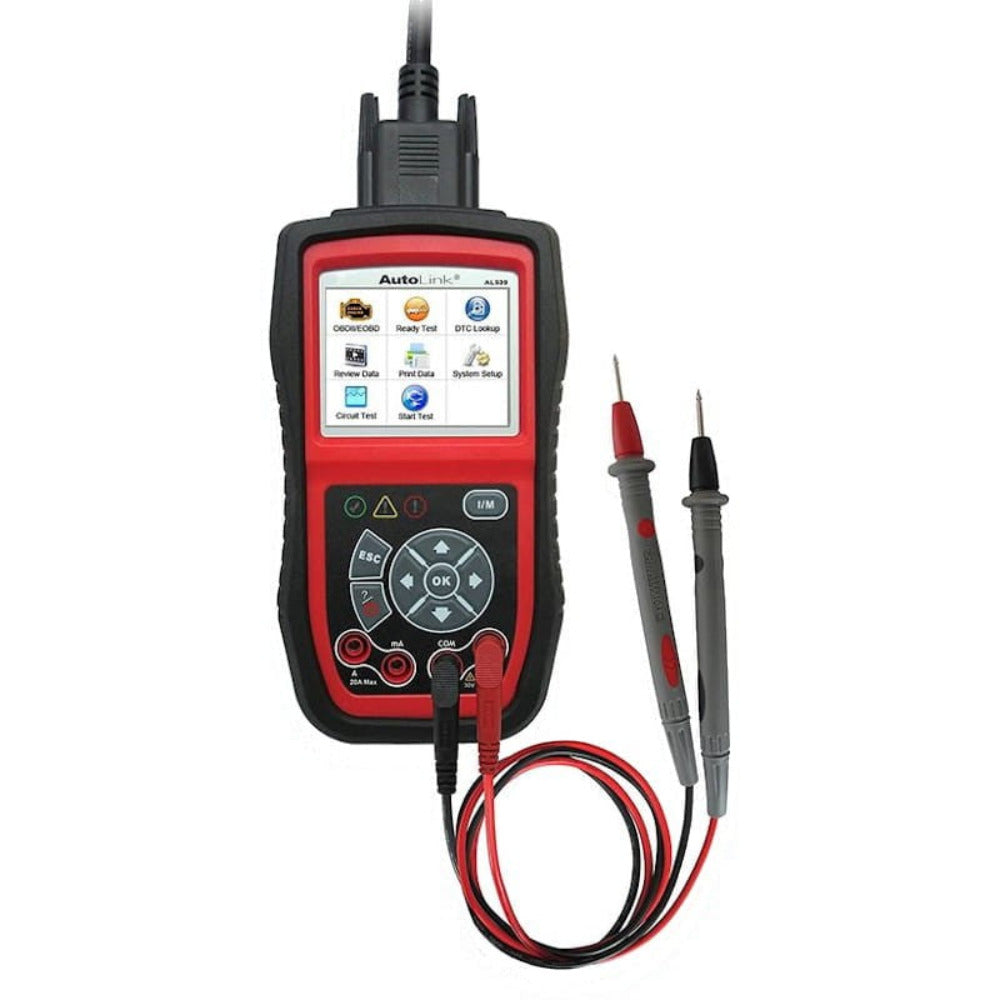 $ 93.89 Add to Cart This product has multiple variants. The options may be chosen on the product page
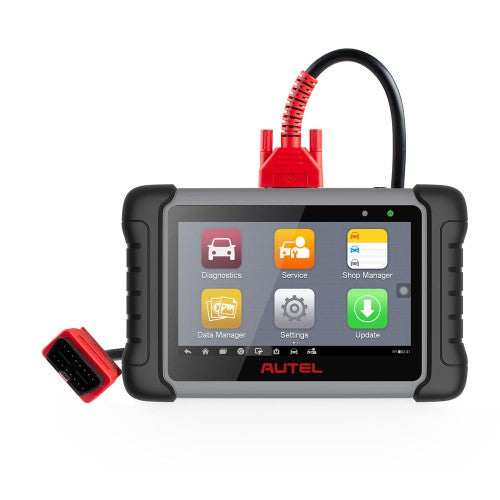 Autel MaxiPRO MP808S Diagnositc Scanner for Multibrands
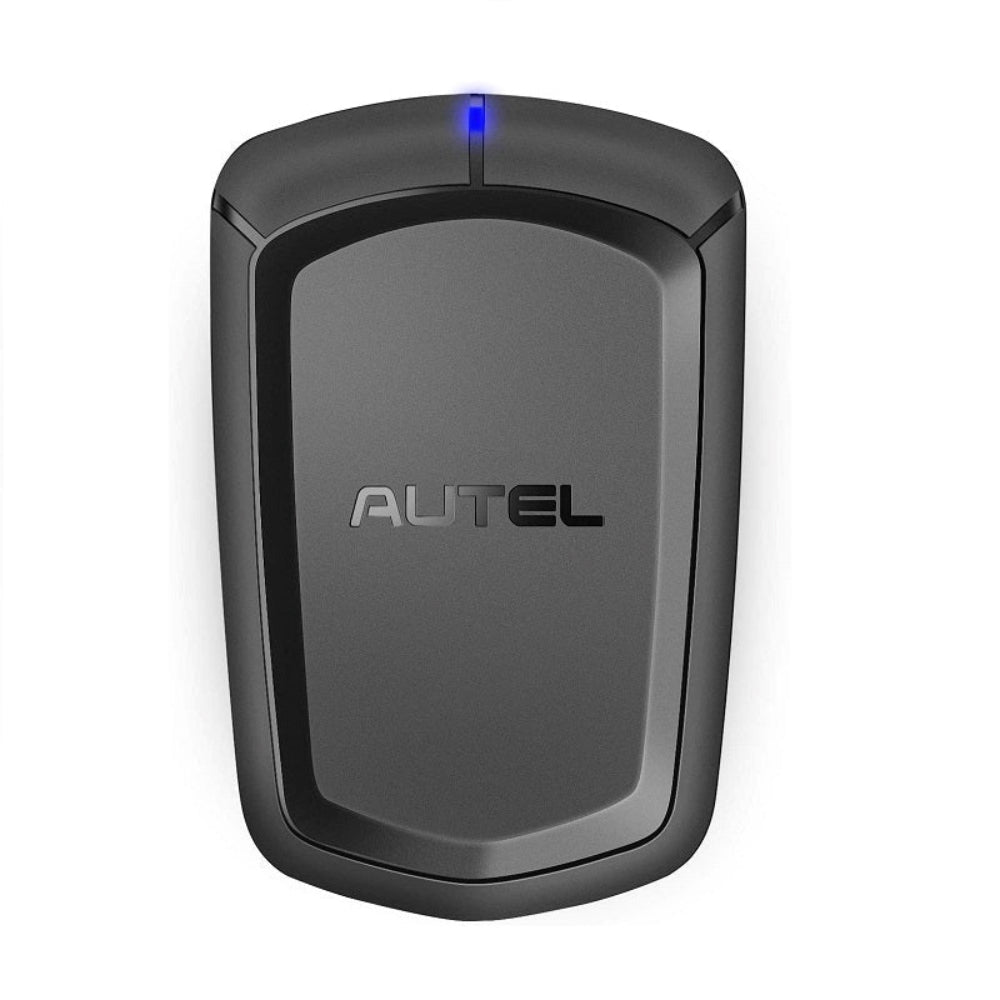 Autel APB112 Smart Key Simulator for Autel MaxiIM IM508 IM608
Related products
-
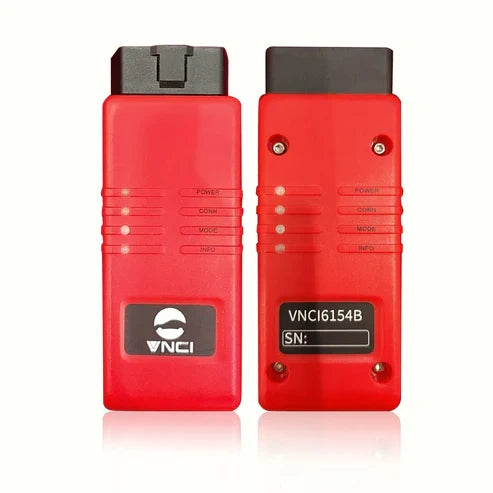 $ 97.46 Add to Cart This product has multiple variants. The options may be chosen on the product page